

Billing
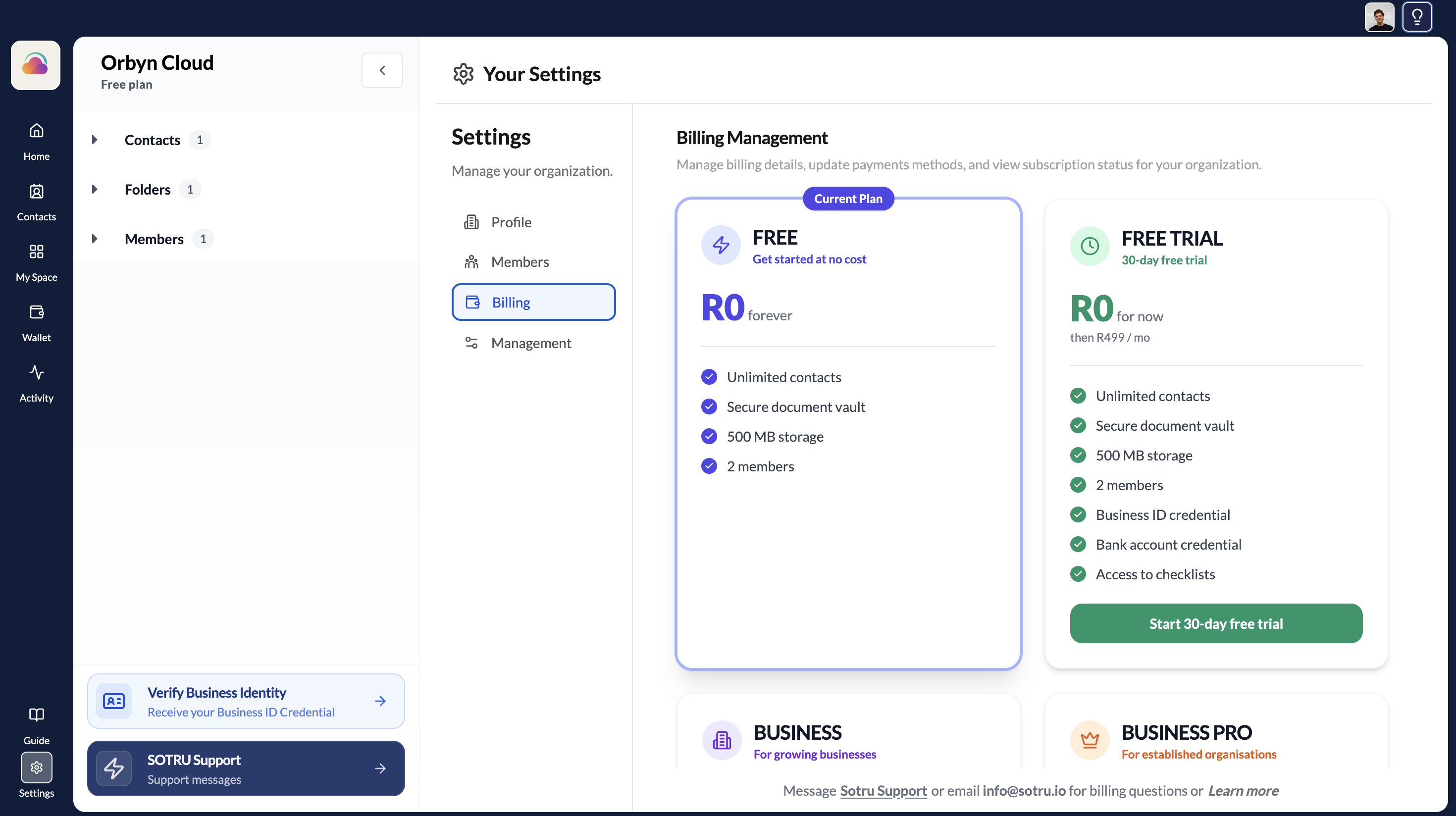
View and manage your SOTRU subscription from Settings.
Accessing your billing page
To view your subscription and billing details, go to Settings → Billing from within your organisation workspace.
Cancellation policy
- You may cancel at any time via the platform or by contacting support before the start of the next billing cycle.
- Upon cancellation, you retain access until the end of your current paid period.
- No pro-rata refunds are issued for mid-period cancellations, unless the cancellation is related to a defective service.
Billing queries
For any billing-related questions, contact SOTRU Support directly through the app or email info@sotru.io.